
Introduction
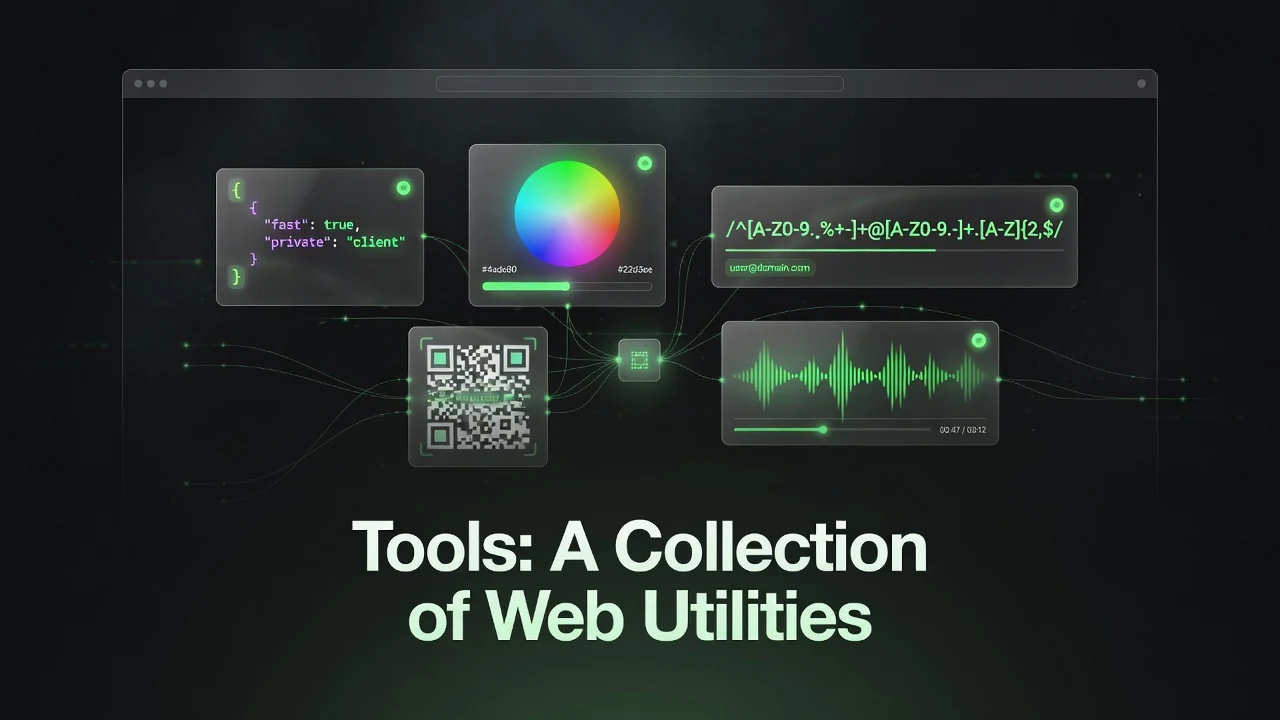
tools.ranzlappen.com is a clean, fast collection of practical browser-based utilities designed for developers, designers, and power users. Instead of installing multiple apps or relying on bloated online services, you get a growing set of focused tools that run directly in your browser — many with zero server round-trips.
The project combines client-side power (WebAssembly, modern JavaScript) with selective serverless functions where needed, all while maintaining a strong emphasis on privacy and speed.
Key Tools & Features
The dashboard currently offers a wide range of utilities, including:
- JSON Formatter — Pretty-print, minify, and validate JSON instantly.
- Color Picker — Convert between HEX, RGB, HSL, OKLCH, and more, with WCAG contrast checking.
- Regex Tester & Builder — Live regex testing with syntax highlighting and pattern library.
- Markdown Preview — Real-time GitHub Flavored Markdown rendering with file import support.
- Multi-Encoder — Encode/decode between Base64, Hex, URL, Binary, and more.
- JWT Decoder — Inspect JWT tokens locally (header + payload).
- UUID & Hash Generator — Generate UUIDs and common hashes on demand.
- QR & Barcode Generator — Create customizable QR codes and barcodes with export options.
- Video Studio — Trim, reverse, crop, color-grade, and re-encode videos entirely in-browser using
ffmpeg.wasm. - OG Image Studio — Design and generate social media cards (1200×630) via a serverless edge function.
- Flipper GUI Studio — Visual drag-and-drop editor for Flipper Zero / Momentum apps with C code export.
- Metadata Studio — Inspect, edit, or strip metadata from images, audio, documents, and more.
- MIUI Theme Studio — Create and export custom MIUI/HyperOS themes (.mtz).
- YouTube MP3 Studio — Generate high-quality yt-dlp commands (with cookie support for private content).
- Cookies.txt Converter — Convert browser cookie exports into yt-dlp-compatible format.
New tools are added regularly, and the interface uses a clean tile-based dashboard with instant previews.
Technical Approach
Most tools run 100% in the browser using modern web technologies:
- Heavy processing (especially video) is handled via WebAssembly (
ffmpeg.wasm). - Some features (like OG image generation) use lightweight Vercel serverless functions for better performance.
- All user data stays local unless explicitly exported.
- The site is deployed via GitHub Pages (static) + Vercel (API layer).
- A service worker provides basic offline support.
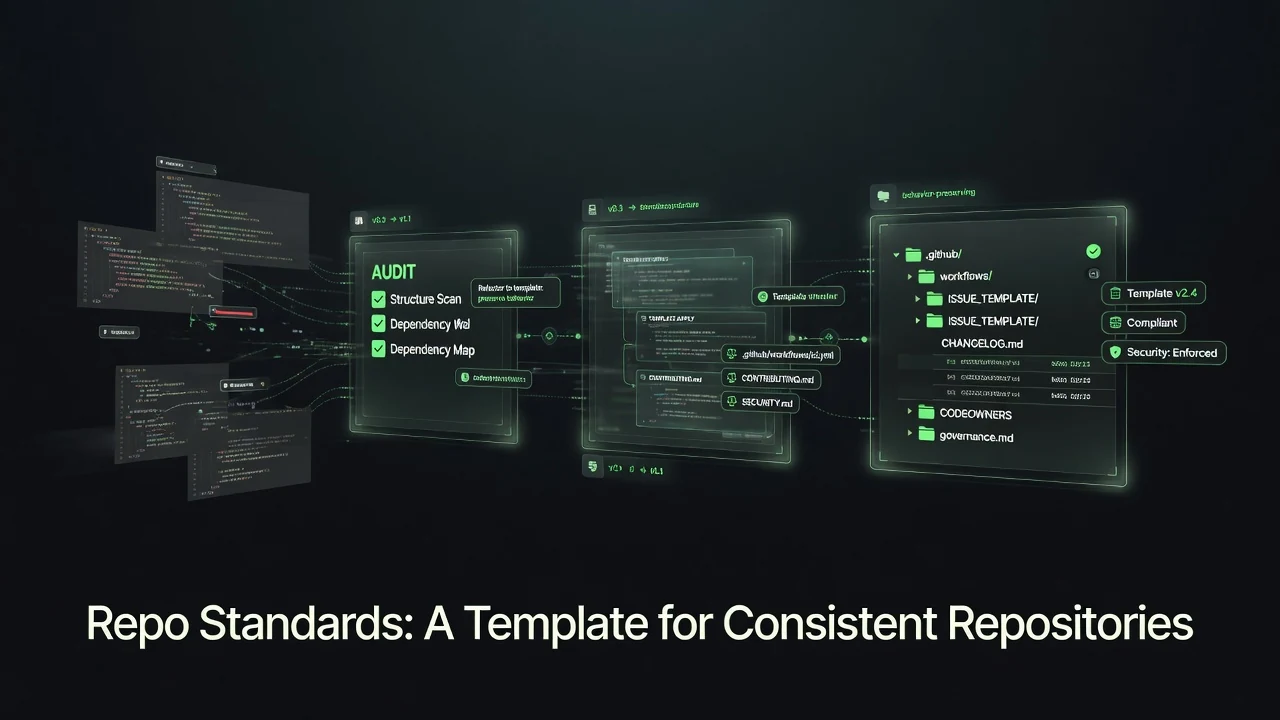
The project follows consistent design patterns and repository standards from the author’s other work, making it easy to maintain and extend.
Key Takeaways
- A growing collection of fast, focused browser utilities that require no installation.
- Strong emphasis on client-side execution and privacy — most tools process everything locally.
- Includes several standout tools: in-browser Video Studio, Flipper GUI Studio, and OG Image Studio.
- Clean, responsive interface with real-time previews and instant feedback.
- Actively maintained with regular additions and a consistent development approach.
Conclusion
tools.ranzlappen.com offers a refreshing take on online utilities: fast, private, and genuinely useful without unnecessary complexity or data collection. Whether you need quick JSON formatting, video trimming, custom Flipper Zero interfaces, or social media graphics, there’s likely a focused tool here that gets the job done efficiently.
It’s especially valuable for developers and tinkerers who want capable tools without leaving the browser or compromising on privacy.
Visit the site: https://tools.ranzlappen.com/
Repository: https://github.com/Ranzlappen/tools
Sources
- tools.ranzlappen.com GitHub Repository (README and source)
- Live site at https://tools.ranzlappen.com/ (June 2026)
Comments
Comments are powered by Giscus (GitHub Discussions).
Enable functional cookies to load comments.