
Introduction
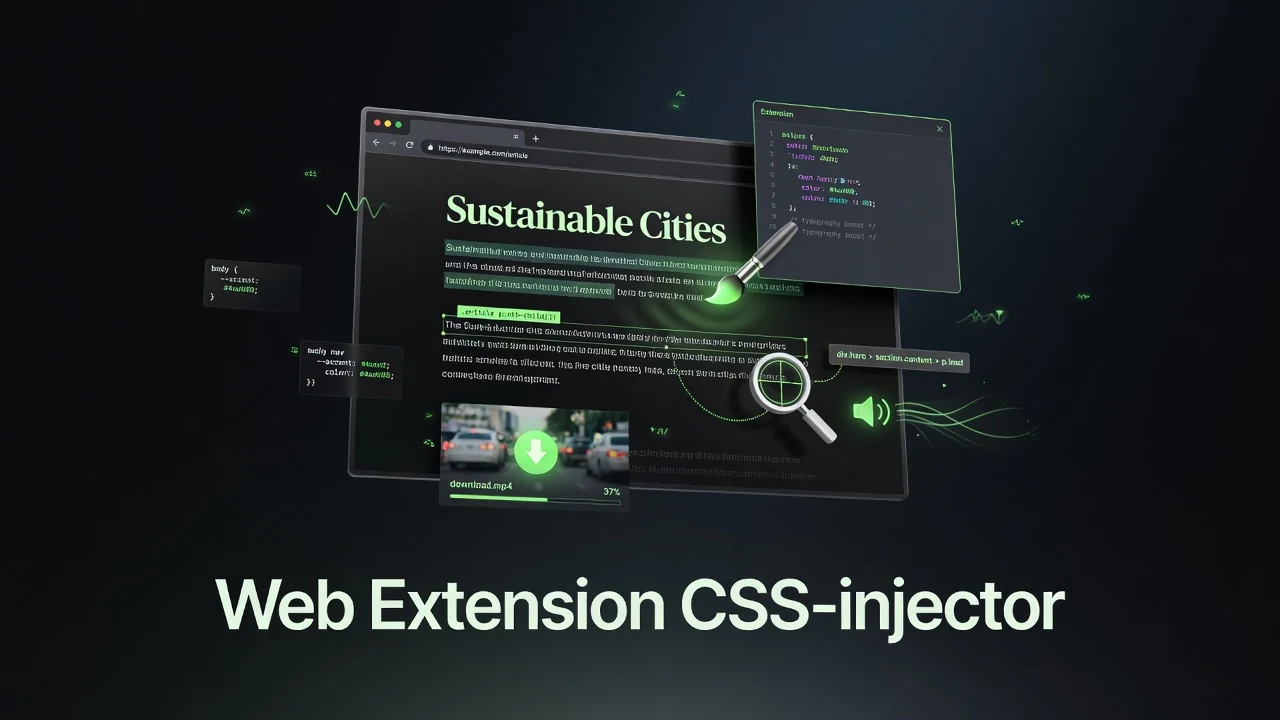
Pageside is a lightweight, privacy-respecting browser extension that gives you practical tools to customize websites, inspect elements, listen to text, and save media — all running entirely in your browser with no servers, accounts, or telemetry.
Despite the repository name web_extension, this is a fully functional Manifest V3 extension available for Chrome, Edge, Opera, Firefox, and Android (via Kiwi Browser and similar). It focuses on real daily-use features rather than flashy marketing.
Key Features
- Per-Domain CSS Injection — Write and save custom CSS that applies automatically to any specific website on future visits.
- Element Inspector — Click any element on a page to instantly copy its CSS selector — perfect for debugging or writing custom styles.
- Text-to-Speech (TTS) — Select any text and have it read aloud using the browser’s built-in speech synthesis. Supports multiple languages.
- Video & Media Downloader — Right-click any video or use the popup to detect and download video sources (including special handling for YouTube).
- Local-First Storage — All your CSS snippets and settings are saved privately in
chrome.storage.local. Export/import as JSON for backup. - Clean Cross-Browser UI — Uses a popup on most browsers and a sidebar on Firefox/Opera.
Everything runs client-side. No data leaves your browser.
How It Works
Pageside uses standard Manifest V3 architecture:
- Content scripts inject CSS and handle element selection on web pages.
- Background service worker manages context menus (e.g., right-click video download) and coordinates actions.
- Popup / Sidebar provides the main interface for editing CSS, triggering TTS, scanning for media, and managing saved styles.
- Storage uses the browser’s local storage API — fast, private, and persistent.
The extension is intentionally minimal. There is no build step required for development — you can load it unpacked directly.
Getting Started
- Download or clone the repository.
- Go to
chrome://extensions(or equivalent in your browser) and enable Developer mode. - Click Load unpacked and select the
domain-css-injector-v2/folder. - Pin the extension and open it on any website.
On Android, use a browser that supports extensions (Kiwi Browser recommended) and install the .zip package.
Full installation instructions for desktop and mobile are available in the repository README.
Key Takeaways
- Pageside is a practical, no-nonsense browser extension focused on daily web customization and media access.
- It offers per-domain CSS styling, one-click element inspection, built-in TTS, and easy video downloading — all locally.
- The extension is lightweight, privacy-first, and works across Chromium browsers and Firefox with no accounts or tracking.
- Development is straightforward — no build tools needed; just load it unpacked.
- It’s a great example of a focused Manifest V3 extension that solves real user problems without unnecessary complexity.
Conclusion
Pageside proves that useful browser extensions don’t need to be complicated or privacy-invasive. With its combination of custom styling, inspection tools, accessibility features (TTS), and media downloading, it offers genuine everyday value while staying completely local and lightweight.
If you frequently customize websites, debug layouts, want quick TTS on articles, or need an easy way to save videos, Pageside is worth adding to your toolkit.
Repository: https://github.com/Ranzlappen/web_extension
Sources
- Pageside (web_extension) GitHub Repository – README and project files
- Extension manifest and source structure (June 2026)
Comments
Comments are powered by Giscus (GitHub Discussions).
Enable functional cookies to load comments.