
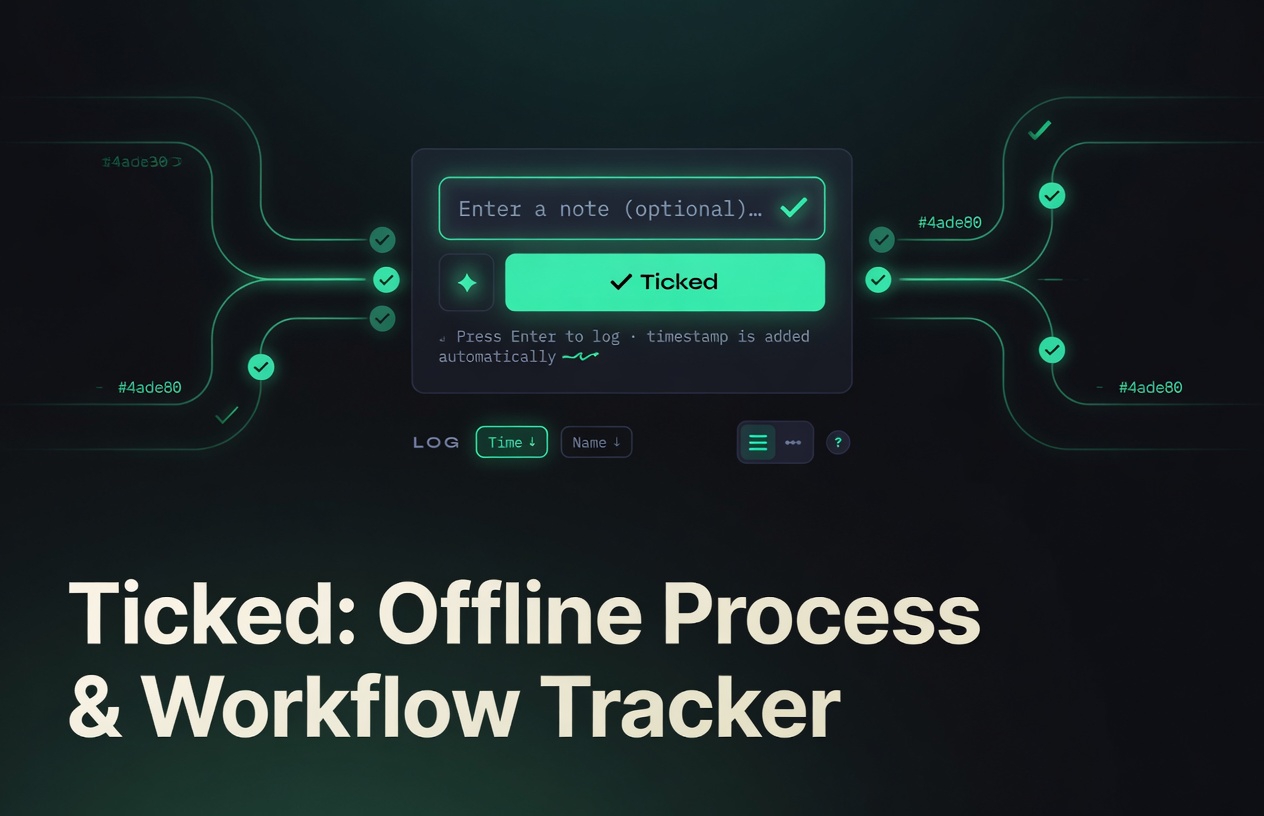
What Ticked Does
Ticked gives you two seamless tabs: Log for quick timestamped entries and Processes for multi-stage workflow tracking. Every change auto-saves to your browser’s localStorage. Your data stays on your device, works completely offline, and never leaves your machine.
At its core, the Log tab lets you press a button or hit Enter to instantly log the current timestamp like a traditional logbook. This simple one-action capture is particularly helpful for real-time time tracking, habit logging, event documentation, or quick personal journaling—eliminating friction so you can record exactly when something happens without extra steps or apps.
Core Features
-
Dual Tabs for Flexibility
Switch instantly between Log (quick notes and custom-timestamped entries) and Processes (full workflow tracking). -
Checkpoint & Stage Tracking
Create processes, add dynamic checkpoints with names, due dates, comments, and notifications. Progress updates via a visual horizontal timeline. -
Smart Filters & Sorting
For Log: All / Auto-logged / Custom / Edited. For Processes: All / Edited / Overdue. Combine with search, date pickers, and sort by time or name. -
Timeline & List Views
Toggle between chronological timeline (with day headers) and classic list. Swipe gestures on mobile integrate well for phones, offering quick delete or actions. -
Silent Instant Logging
Type, hit Enter or tap Log—entries save automatically with no buttons or spinners. -
Color Palette Customization
Edit your app’s color scheme on the fly; changes persist across sessions. -
Full Responsiveness & PWA-Ready
Scales perfectly from phone to desktop. Installable via browser “Add to Home Screen” with service worker support. -
Advanced Backup & Export
One-click JSON export, import, Google Drive sync option, and built-in “Download Offline HTML” for a self-contained backup file.


Technical Advantages
Ticked is a single HTML file with embedded vanilla CSS and JavaScript—no frameworks, no dependencies. The entire app loads in milliseconds and weighs under 100 KB before caching.
100 % Local & Offline
Data lives in localStorage under the key ticked_store. The included service worker (sw.js) and manifest enable true offline use and PWA installation. Once saved locally, Ticked runs forever without internet.
Privacy First
No accounts, no telemetry, no external calls except optional Google Drive. Your workflows remain completely private.
Easy Instant Access
Use it immediately at the live demo or save the page as index.html for a portable, offline copy. Updates are as simple as replacing the file.
Potential Use Cases
- Freelance project logging—track deliverables stage by stage.
- Daily personal workflows—log routines, side projects, or learning checkpoints.
- Team hand-off notes—export a clean JSON or offline HTML snapshot.
- Offline fieldwork—reliable tracking when connectivity is unavailable.
- Minimalist productivity—replace bloated apps with a tool you own.
- Logbook-style timestamping—freelance billable-hours logging or daily mood/event journaling.
The app runs live at https://ranzlappen.github.io/ticked/.
How to Get Started
- Visit the live version at https://ranzlappen.github.io/ticked/ and start using it instantly.
- Or save the page as
index.html(File → Save As) for a fully functional local copy. - Open the file in any browser—no installation required.
Try It Now – opens in seconds.
Development Note: Ticked is still in active development. While the core functionality is stable and ready to use, occasional bugs may appear. Your feedback and bug reports via GitHub are welcome to help improve the app.
Important Note on Data Persistence
Ticked stores everything in your browser’s localStorage. Clearing cookies or site data for this domain will delete your entries and processes. Regular backups are strongly recommended. Use the built-in Export button to download a .json file anytime, or use the Download Offline HTML option for a complete self-contained backup.
Key Takeaways
- Single-file HTML app—zero dependencies, instant load, fully offline.
- Dual Log + Processes tabs with checkpoint timelines and smart filters (All/Edited/Overdue).
- Silent auto-save to localStorage with PWA support for app-like experience.
- Built-in backup: JSON export/import, Google Drive sync, and offline HTML download.
- Fully responsive with swipe gestures and color customization.
- 100 % private—no accounts, no servers, data never leaves your device.
Conclusion
Ticked delivers powerful workflow tracking in the lightest possible package. Whether you open it online for immediate use or save it locally for permanent offline access, you get instant logging, checkpoint progress, smart organization, and total data ownership. If you value speed, simplicity, and control over your own information, Ticked is ready the moment you open the page.
Star the project on GitHub if it helps your workflow: github.com/Ranzlappen/ticked.
Comments
Comments are powered by Giscus (GitHub Discussions).
Enable functional cookies to load comments.