
Table of Contents
- The Default Divide * Real-World Examples
- The Official Rationale
- What the Research Actually Shows
- The Psychological Status Signal
- Key Takeaways
- Conclusion
- Sources
The Default Divide
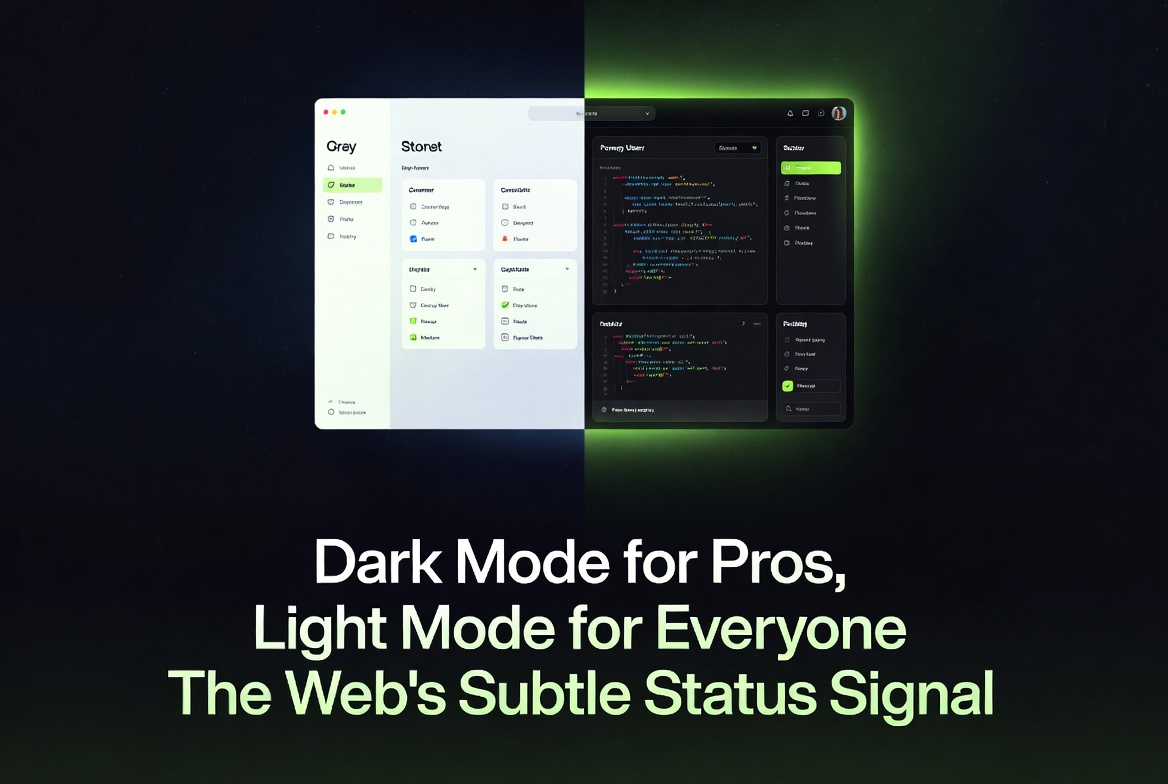
Most consumer-facing websites — news portals, e-commerce stores, marketing pages, and social platforms — launch with light mode as the default. Dark mode is available only as an optional toggle, usually respecting the browser’s prefers-color-scheme media query.
In contrast, backends, admin panels, developer consoles, internal dashboards, and coding tools overwhelmingly ship with dark mode enabled by default. This split is now standard in 2026.
Real-World Examples
- Light-first frontends: Amazon, The New York Times, Shopify stores, and most SaaS landing pages open in bright, clean light mode.
- Dark-first backends: Vercel dashboard, Supabase console, GitHub’s new admin views, many AWS and GCP internal tools, and popular admin templates all default to dark.
The pattern is consistent: tools built for prolonged, focused work go dark. Interfaces built for quick browsing or broad audiences stay light.
The Official Rationale
Designers cite reduced eye strain for long sessions. Developers and analysts often stare at screens for 8–12 hours. Dark backgrounds lower overall luminance, reduce blue-light exposure in low-ambient conditions, and feel more comfortable during nighttime work. The assumption is simple: “This user is a pro who will be here a while, so we optimize for endurance.”
Light mode remains the default for frontends because it maximizes readability in typical office or daylight environments and conveys approachability and trust to first-time or casual users.
What the Research Actually Shows
The eye-strain argument is context-dependent, not universal.
| Condition | Light Mode Advantage | Dark Mode Advantage |
|---|---|---|
| Bright ambient light | Better readability, lower cognitive load for most users | Higher halation risk (especially for \~50% with astigmatism) |
| Dim/low-light environments | Higher eye fatigue | Reduced strain and better comfort |
| Long reading tasks | Higher accuracy and faster processing[1] | Lower perceived workload in dashboards[1] |
| Older users | Lower mental effort | Increased cognitive load in bright rooms |
Eye-tracking and cognitive-performance studies confirm that light mode often delivers faster information processing and lower objective cognitive load for typical office conditions.[1][2] Dark mode shines in low-light or for subjective comfort during extended sessions, but it is not universally superior.
The Psychological Status Signal
This technical choice carries a subtle message.
Dark mode has become cultural shorthand for “power user” and “serious work.” It feels modern, focused, exclusive, and sophisticated. Receiving a dark interface can make users feel respected as experts.
Light mode, while more readable and trustworthy in many contexts, can feel mass-market or “basic.” When a frontend forces light mode (or a backend feels unusually bright), some users internalize the friction — slower reading, higher mental effort, or visual discomfort — as personal failure rather than design intent. The interface quietly suggests: “We built this for average users, not pros like you.”
It is not that the site literally calls anyone stupid. It is that the default mode hierarchy creates an unconscious status gradient: dark = capable insider, light = casual outsider. Users notice this on a gut level even if they cannot articulate it.
Key Takeaways
- Backend dark defaults signal “we expect expert, long-session use.”
- Frontend light defaults prioritize broad accessibility and trust.
- Research shows cognitive performance is highly context-dependent — no mode wins universally.
- The split reinforces a subtle expertise hierarchy that affects user confidence and self-perception.
- Designers should choose defaults consciously rather than following industry convention.
Conclusion
The web’s dark/light split is not merely a technical or accessibility decision. It is a quiet statement about who the product believes its user to be. As more interfaces ship in 2026, understanding this psychological layer helps designers build with intention and helps users recognize when an interface is shaping how capable they feel — before they even notice.
Sources
- Gazit et al. (2025). Dark Mode vs. Light Mode: Effects on Cognitive Performance, Reading Accuracy, and Visual Processing.
- Sethi & Ziat (2023). Cognitive Load and Eye-Tracking Analysis of Dark and Light Mode Interfaces Under Varying Ambient Light Conditions.
Comments
Comments are powered by Giscus (GitHub Discussions).
Enable functional cookies to load comments.