
Introduction
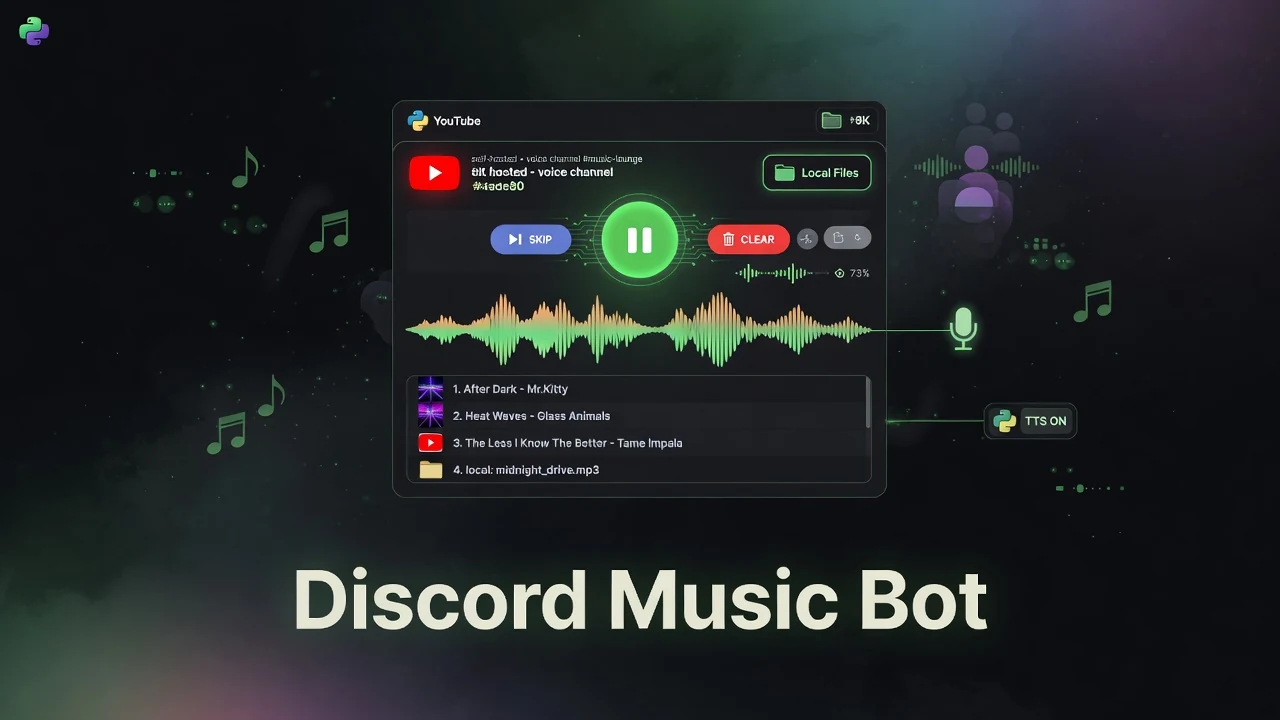
The Discord Music Bot is a lightweight, self-hosted Python application that brings music playback directly into your Discord server. It supports both YouTube (videos and playlists) and local audio files, with an intuitive interactive control panel, queue management, text-to-speech, and convenient download/upload features.
Built with discord.py, yt-dlp, and gTTS, it offers a clean slash-command experience and runs easily on any machine with Python and FFmpeg installed.
Key Features
- YouTube & Local Playback — Stream YouTube videos or playlists, or play from a local
music/folder. - Interactive Control Panel — A persistent embed with color-coded buttons for play/pause, skip, queue view, autoplay toggle, volume control, and more.
- Queue Management — Configurable queue size limit, skip, clear queue, and view current queue.
- Autoplay — Per-server autoplay that randomly plays local files when the queue is empty.
- Text-to-Speech (TTS) — Speak any text in the voice channel (with language selection). Music automatically pauses during TTS.
- Recording & Sharing — Download the currently playing song or any item from the queue/local library directly in Discord.
- USB/Bluetooth Keyboard Support — Play notes or control the bot via hardware keyboards (where applicable).
- Admin Tools — Channel clearing command for server moderators.
How It Works
The bot connects to Discord using a bot token and joins voice channels on command. It uses yt-dlp to extract audio streams from YouTube and FFmpeg to process and play audio in real time. Local files are played directly from the configured folder.
An interactive control panel is sent as a rich embed with persistent buttons. The bot handles queue logic, autoplay, TTS interruptions, and file uploads/downloads entirely within Discord’s interface.
Everything is configured via a simple config.json file (token, embed image, queue limits, TTS language, cooldowns, etc.).
Getting Started
- Install FFmpeg and add it to your system PATH.
- Install Python dependencies:
pip install -U discord.py yt-dlp gTTS - Create a Discord bot application, generate a token, and add it to
config.json. - Invite the bot to your server with the necessary permissions (Connect, Speak, Embed Links, Use Slash Commands, etc.).
- Run the bot:
python discordmusicbot.py
The bot will appear online and be ready to use with slash commands (/play, /controls, /tts, etc.).
Full setup instructions and the latest release (including a convenient .exe for Windows) are available in the repository.
Key Takeaways
- A lightweight, self-hosted Discord music bot written in Python that supports both YouTube and local files.
- Features an intuitive interactive button control panel instead of relying only on text commands.
- Includes useful extras like per-server autoplay, text-to-speech with music pause, and easy song downloading/uploading.
- Easy to run locally with just Python and FFmpeg — perfect for personal servers or small communities.
- Fully open source (MIT) with active releases and a simple configuration system.
Conclusion
The Discord Music Bot is a practical, no-nonsense solution for adding music to your Discord server without relying on third-party hosting services. Its combination of YouTube + local file support, interactive controls, TTS integration, and easy self-hosting makes it a great choice for personal use or small communities.
If you want a simple, customizable music bot that you fully control, this project is worth checking out.
Repository & Releases: https://github.com/Ranzlappen/discord-musicbot
Sources
- Discord Music Bot GitHub Repository (README and project files)
- Project releases and configuration examples (June 2026)
Comments
Comments are powered by Giscus (GitHub Discussions).
Enable functional cookies to load comments.